 Favorites Cleaner for TikTok
☕ Donate
How to delete all your TikTok favorites (and sort the rest)
Hundreds or thousands of saved videos you never look at again? Here is the fast way to clean up your TikTok Favorites, without tapping every video one by one.
Method 1: by hand, in the TikTok app
- Open your profile and tap the Favorites tab (bookmark icon).
- Open a video.
- Tap the bookmark icon so it is no longer yellow: the video leaves your favorites.
- Go back and repeat for every video.
It works for a handful of videos. With hundreds or thousands, it takes hours, and it's easy to lose track of what you have already checked.
Method 2: in bulk, with Favorites Cleaner for TikTok
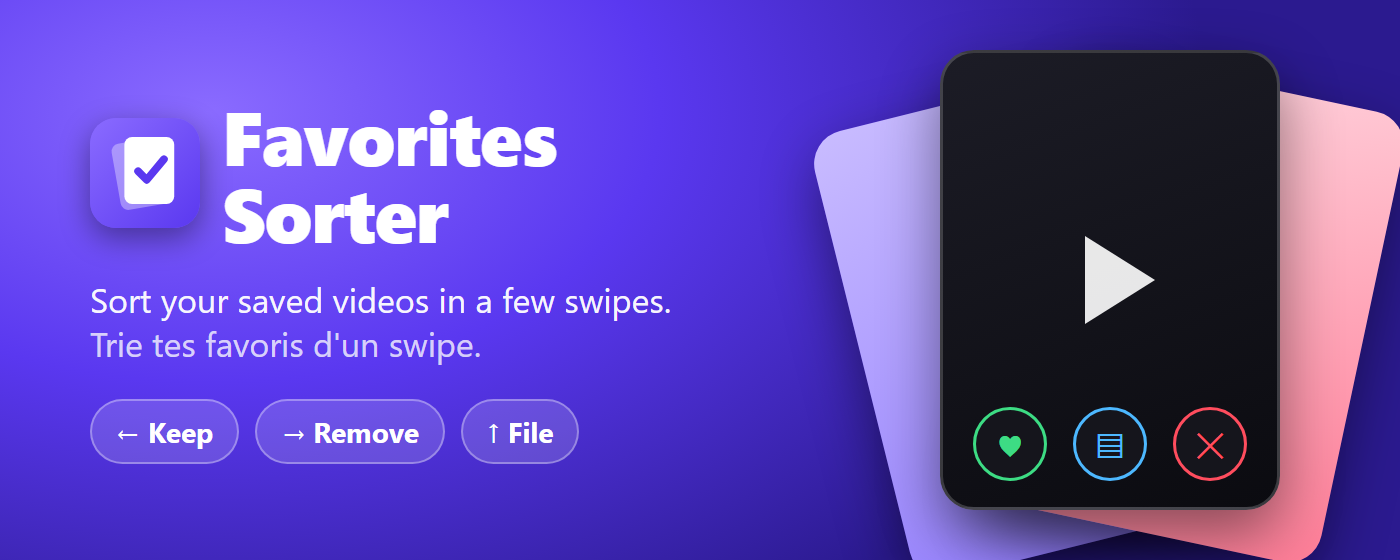
- Add the extension to Chrome (also works in Edge and Brave).
- Open tiktok.com on your computer and sign in. Click ⇄ Sort my favorites at the bottom right (or the extension icon).
- Click Import from my TikTok profile. Your favorites and collections are read; you can start sorting after a few seconds.
- For each video: ← keep, → remove from favorites, ↑ file into a collection. Mouse or arrow keys.
- Removals run on their own in the background, after a short delay during which you can undo.
It is made for big lists: the import keeps going while you sort, and you can stop and resume any time.
Better than deleting: sort them into collections
Keep the recipes, the workouts, the places to visit… Swipe a video up, or drop it on a collection in the side panel: the extension files it into your TikTok collections, and creates new ones if needed. Your collections then show up in the TikTok app as usual.
Questions
Does removing a favorite delete the video?
No. The video stays on TikTok; it only leaves your Favorites list.
Can I undo?
Yes, during the undo delay (15 seconds by default). Afterwards, the action log keeps a link to every removed video, so you can favorite it again by hand.
Is it free?
Yes, up to 200 removals per day. Pro is a one-time payment of €5 for unlimited removals and more speed. No subscription.
Does it work on my phone?
No: it's a browser extension for Chrome, Edge and Brave on a computer. Your favorites are the same as in the app, so the clean-up shows up on your phone too.
Are my data sent anywhere?
No. Everything stays in your browser. No account, no analytics, no ads.
Is it safe for my TikTok account?
The extension clicks on TikTok for you, which may go against TikTok's terms of service: TikTok may limit, suspend or ban an account. It adds pauses and slows down when TikTok resists, but the risk can't be removed. Use it at your own risk. Not affiliated with TikTok.